Elina Carter
1 day agoHow to Accept Crypto Payments in Telegram
Most selling in Telegram happens in a chat, not a cart. @Payid19Bot turns one message into a crypto invoice your customer pays without leaving the conversation, and tells you both when it is confirmed.
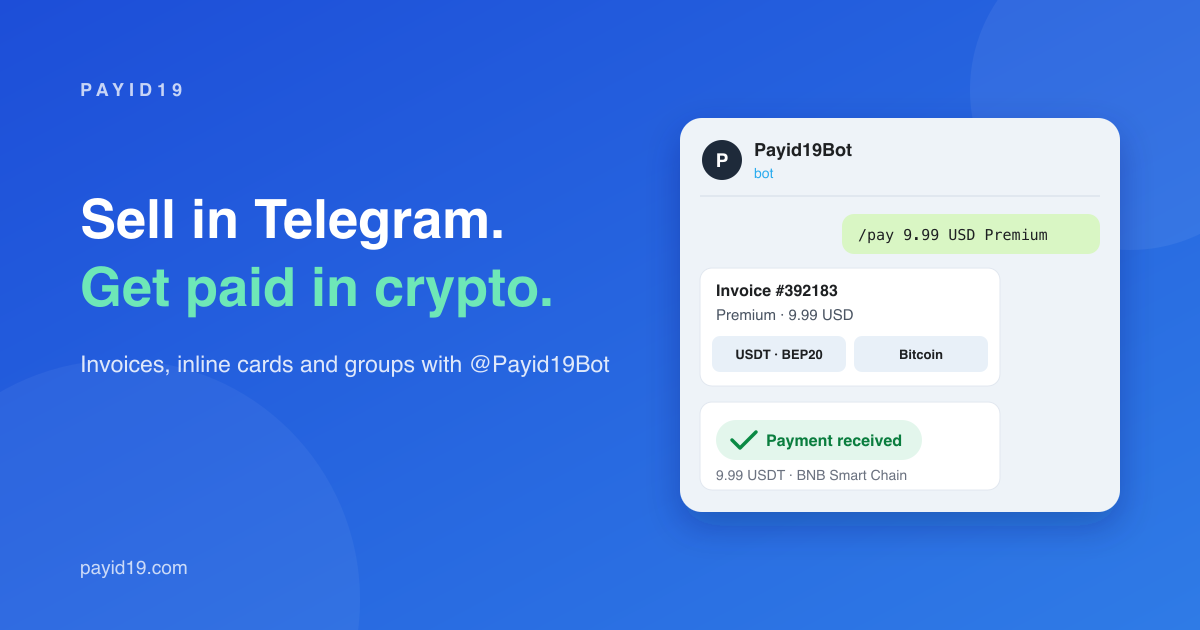
A lot of selling no longer happens in a shopping cart. It happens in a chat. Someone asks about an AI tool subscription, a design, a set of course videos or a top-up, the seller answers, and the deal is agreed in a few messages. Then comes the awkward part: the payment. The seller pastes a wallet address, the buyer copies it into their wallet, picks a network and hopes it is the right one, and then the conversation turns into "did you send it?" and "I sent it, can you check?".
Payid19 now has a bot for exactly this: @Payid19Bot. It turns one message into a proper crypto invoice that your customer can pay without leaving Telegram, and it tells both of you the moment the payment is confirmed.
Why chat selling needs its own payment flow
Sending a bare wallet address works until it does not. There is no fixed amount, so the customer guesses the exchange rate. There is no deadline, so payments arrive days later to an address you forgot about. There is no record tying the payment to the order, so you spend your evening matching transactions to usernames. And when a customer sends the right coin on the wrong network, nobody notices until it is too late.
An invoice fixes all of that. It has an amount in the currency you price in, a converted amount for every coin, its own deposit address, a time limit and a clear status: waiting, paid, partly paid or expired.
How it works
- Connect once. In your dashboard open Settings → Telegram, press Connect and open the bot. It answers with your account email and you are done. Your API keys never enter Telegram.
- Create an invoice with one message. Send
/pay 9.99 USD Premium subscription. The currency is optional (USD by default) and so is the title; you can price in EUR, GBP, TRY and more than 150 other currencies. - Send it. Press Send to customer and pick the chat. Your customer opens it and the invoice appears with a button for every coin, the amount already converted.
After choosing a coin the customer gets the exact amount, the deposit address (tap to copy) and a QR code. When the payment is confirmed on the blockchain, the customer receives a receipt message and you receive a "paid" message, usually within seconds. The money is credited to your Payid19 balance in USDT, exactly like any other payment.
Three ways to send a payment request
A link in any chat
The simplest way: create the invoice in the bot and forward the link. It works for customers who have never used the bot before. This link is meant for one customer; for a card several people can pay, use the inline card or your group.
Inline, without opening the bot
In the conversation with your customer, type @Payid19Bot 9.99 USD Premium. A payment card appears above your keyboard; tap it, and a card with a Pay with crypto button is posted right in the chat. Every customer who taps Pay gets their own invoice, so one card works for any number of buyers.
In your group or channel
Add the bot to your group and send /pay@Payid19Bot 9.99 USD Premium there (the bot's name makes sure the command reaches it). Everyone in the group sees the card and its Pay button; each buyer gets their own invoice and continues privately with the bot, so nobody sees anyone else's payment, and your paid notification tells you who bought. In a channel, post the same card inline while writing the post.
What your customer needs
Only Telegram and a crypto wallet or exchange account. There is no account to create and no balance to top up. Customers can pay in USDT on Tron, BNB Smart Chain or Ethereum, USDC, Bitcoin, Ethereum, BNB, Tron and Litecoin. An Open payment page button opens the regular hosted page inside Telegram for anyone who prefers it.
When something is not quite right
Real payments are messy, and the bot handles the usual cases for you:
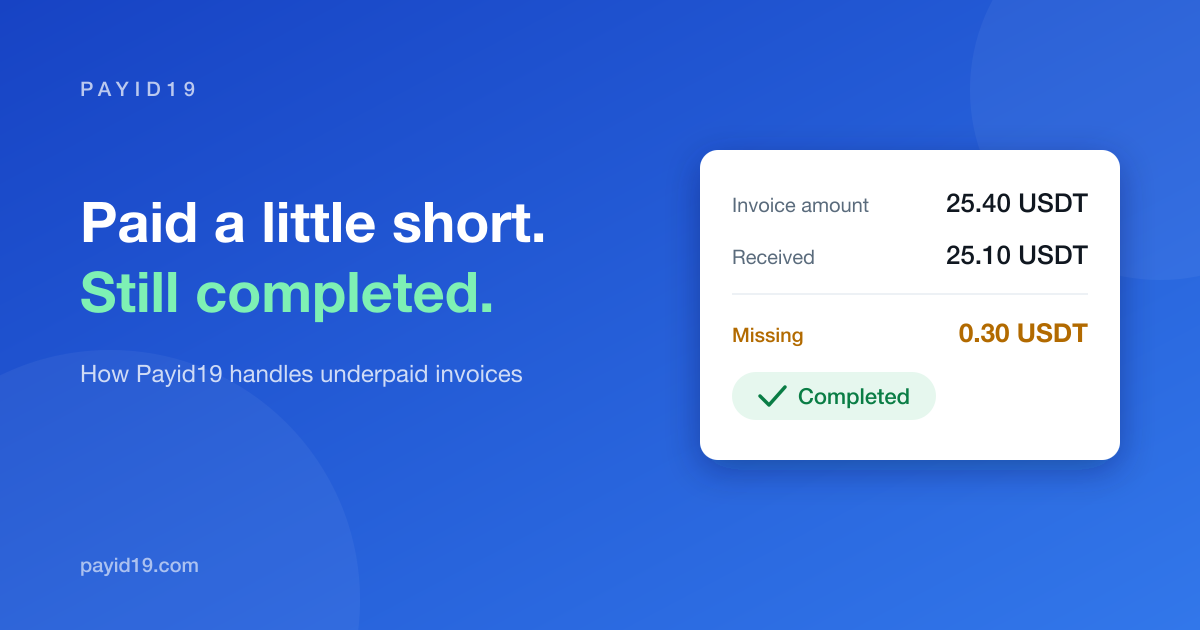
- Partial payment. If a wallet takes its network fee out of the amount, the customer is told exactly how much is missing and can top up the same address. Here is how underpayments work.
- Overpayment or refund. The refund link reaches the customer in Telegram instead of by email.
- Late payment. A customer who took an address but did not pay in time is warned not to use it any more.
- Changed your mind.
/invoice 392183shows an invoice with its transactions, and it can be cancelled with a single button until the customer takes a deposit address./cardslists your cards and stops any of them.
Safe by design
The bot can create invoices and show your invoices and balance. It cannot withdraw. Even if someone got into your Telegram account, they could not move your money: withdrawals stay in the dashboard, behind your login, the new-device check and your optional two-factor code. Every invoice gets its own blockchain address, and there is no Telegram balance your customers have to keep with anyone.
Same account, same pricing
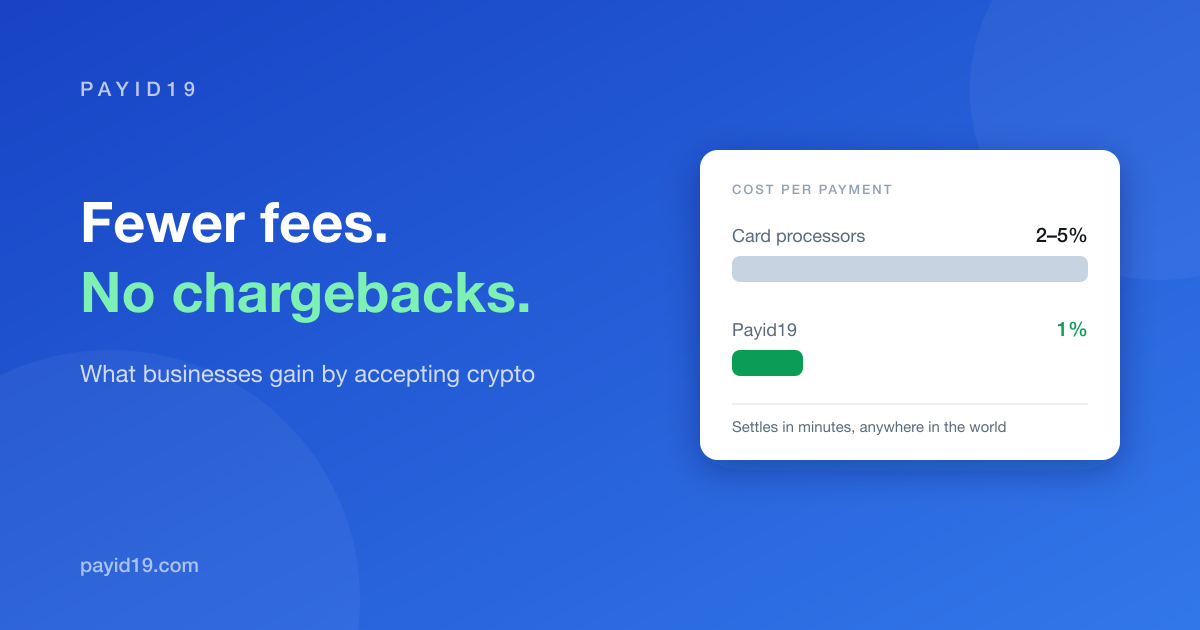
Every invoice created through the bot is a normal Payid19 invoice. It appears in your dashboard, calls your callback URL if you have one, and settles at the usual 1% commission. If you already use the API, any invoice can be paid in the bot by sending the customer https://t.me/Payid19Bot?start= followed by the invoice alias.
Try it in two minutes
Connect your account, then send /pay 1 USD Trial test. The word test creates a test invoice: open it, pick any coin and send nothing. It completes by itself within a minute, so you can watch the whole flow, including the notifications, without sending any money. The Telegram bot guide lists every command, and the product page shows it in action.